
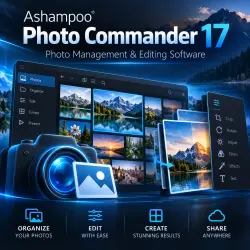
Ashampoo Photo Commander 17 - bring your photo collection together
Important notice
Any third-party trademarks, brand names, and product names referenced on this website are used solely to identify the relevant goods/services and, where applicable, to indicate intended purpose or compatibility. No affiliation, authorization, sponsorship, or endorsement by the trademark owners is implied unless expressly stated.
View, organise and edit your photos in one application. Ashampoo Photo Commander 17 is designed for managing your home photo library, everyday image editing and creating photo presentations.
Main features:
• Browse and organise your photo collection.
• Crop images and adjust their appearance.
• Prepare photographs for printing.
• Create slideshows and photo presentations.
What you receive:
• A digital activation key for Ashampoo Photo Commander 17 for one PC.
• Manual key delivery through your GGSEL order chat after payment confirmation.
• Activation instructions.
Before purchasing:
This offer is for version 17, not the latest product release. The software is intended for Windows; please check the system requirements on Ashampoo’s official website before purchasing. Free upgrades to later major versions are not included in this offer.
How to activate:
Download and install Ashampoo Photo Commander 17 from Ashampoo’s official source.
Open the application and go to its activation screen.
Enter your supplied key and follow the instructions. Sign in to an Ashampoo account if required.
If you encounter an activation error, contact us through your GGSEL order chat with the error text or a screenshot, keeping the full key hidden.
Please note: this is a digital product. No physical disc or box will be shipped.
 Top up
 Games
Games Discounts 90%
 AI
AI Windows
 Subsctiptions
 New Games
 Mobile Games