
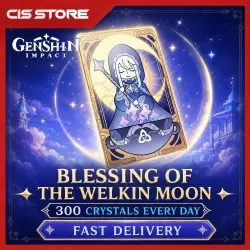
Genshin Impact | Blessing of the Welkin Moon (30 Days) | By Login
Important notice
Any third-party trademarks, brand names, and product names referenced on this website are used solely to identify the relevant goods/services and, where applicable, to indicate intended purpose or compatibility. No affiliation, authorization, sponsorship, or endorsement by the trademark owners is implied unless expressly stated.
About the product
Response time: 5:00 - 20:00 Moscow time.
WE ONLY ACCEPT DEPOSITS MADE THROUGH YOUR HOYOVERS ACCOUNT
How to link your Google account to your HoYoverse account in Genshin Impact
Open Genshin Impact on the device where you’re logged in with your Google account.
Go to the Paimon menu → Settings.
Select the “Account” section.
Tap “User Center.”
Select “Link Email.”
Enter:
The email address you want to use for your HoYoverse account
A new password
Confirm the code sent to your email address
❔ Please provide the following account information via chat:
🔹 Login and password to your account
📩 Verification code (sent to your email when logging in from a new device)
⚠️ Make sure you send the correct code to avoid login issues
⚠️I will complete your order when I'm online
 Top up
 Games
Games Discounts 90%
 AI
AI Windows
 Subsctiptions
 New Games
 Mobile Games