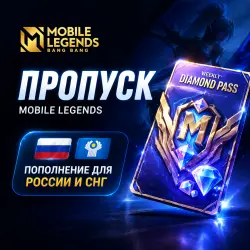
MOBILE LEGENDS | DIAMONDS PASS | AUTO DELIVERY
Important notice
Any third-party trademarks, brand names, and product names referenced on this website are used solely to identify the relevant goods/services and, where applicable, to indicate intended purpose or compatibility. No affiliation, authorization, sponsorship, or endorsement by the trademark owners is implied unless expressly stated.
About the product
The product is shipped automatically.
✔️ For users from Russia and the CIS .
(Ukraine, Belarus, Kazakhstan, Kyrgyzstan, Tajikistan, Uzbekistan, Azerbaijan and Armenia)
Please specify the UID and Zone ID only in the fields intended for this purpose, without spaces or extraneous characters.
Have manual:
1.Select the desired number of diamonds or a pass
2.Enter your UID and Zone ID in the Mobile Legends game
3.Pay for the order using a convenient method.
4. After payment, the diamonds will be automatically credited to your Mobile Legends account: Bang Bang
, How to find out your User ID and Zone ID:
1. Launch Mobile Legends: Bang Bang
2. Click on the profile avatar in the upper-left corner of the home screen
3. In the profile that opens, you will see basic account information — your User ID and Zone ID are located under the "Settings" button.
 Top up
 Games
Games Discounts 90%
 AI
AI Windows
 Subsctiptions
 New Games
 Mobile Games