
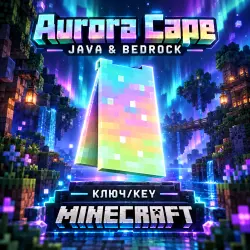
Minecraft Aurora Cape Key | Java & Bedrock | Instant Delivery
Important notice
Any third-party trademarks, brand names, and product names referenced on this website are used solely to identify the relevant goods/services and, where applicable, to indicate intended purpose or compatibility. No affiliation, authorization, sponsorship, or endorsement by the trademark owners is implied unless expressly stated.
After your purchase, you will receive a unique key to redeem the Aurora Cape for the licensed version of Minecraft.
How to redeem:
1. Go to the official redemption page: minecraft.net/redeem
2. Enter the key you received and click "Redeem".
3. The cape will appear on your account.
How to get the cape in Java Edition:
1. Launch Bedrock Edition and equip the cape in the Dressing Room.
2. Enter any world for a few seconds so the game saves the changes.
3. The cape will automatically appear in your Java Edition profile; all you need to do is equip it.
The transfer may take up to 48 hours due to Mojang's synchronization processes.
 Top up
 Games
Games Discounts 90%
 AI
AI Windows
 Subsctiptions
 New Games
 Mobile Games