
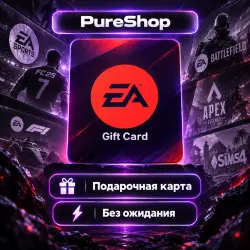
EA GIFT CARD
Important notice
Any third-party trademarks, brand names, and product names referenced on this website are used solely to identify the relevant goods/services and, where applicable, to indicate intended purpose or compatibility. No affiliation, authorization, sponsorship, or endorsement by the trademark owners is implied unless expressly stated.
100% valid code
You will receive the gift card in the chat after payment
Activation instructions:
1 Go to https://www.ea.com/redeem
2 Log in to your account using an IP address or software corresponding to the country for which the card was issued.
3 Enter the received gift card code.
4 Confirm—the funds will be added to your balance.
### Important: Before activation
• Use an IP address from the country that matches the gift card's region.
• If you have already redeemed a gift card on your account, all subsequent cards must be purchased for the same country.
> EA allows gift cards to be linked to only one selected country. For example, if the first card was redeemed for the USA, you must use US-region cards for all future redemptions.
### How to check for activation eligibility
Open the EA App:
1. Try to purchase any game or DLC.
2. Select "Other payment methods" from the payment options.
3. Look for the "EA Wallet" option.
If "EA Wallet" appears in the list of payment methods, your account supports the use of gift cards.
 Top up
 Games
Games Discounts 90%
 AI
AI Windows
 Subsctiptions
 New Games
 Mobile Games