


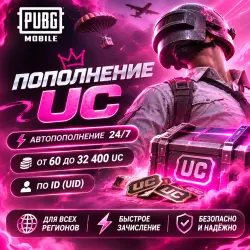
PUBG MOBILE | AUTO TOP‑UP | BY ID 24/7
Important notice
Any third-party trademarks, brand names, and product names referenced on this website are used solely to identify the relevant goods/services and, where applicable, to indicate intended purpose or compatibility. No affiliation, authorization, sponsorship, or endorsement by the trademark owners is implied unless expressly stated.
About the product
🌎 FOR ALL REGIONS!
❗️Korea, Japan, Vietnam, and Taiwan are not supported.
🚀 Automatic top‑up 24/7
After payment, the order is sent automatically. Crediting may take some time due to the load on the game servers.
📌 How to get UC:
1. Select the required amount of UC.
2. Provide your UID.
3. Pay for the order.
4. Wait for the UC to be credited to your account.
🔎 Where to find the UID?
Open PUBG MOBILE → Profile → The UID is located under the nickname.
💬 Support: daily from 9:00 to 22:00 MSK.
 Top up
 Games
 Steam Sales
 AI
 Subscriptions
 Windows
 New Games
 Mobile Games