


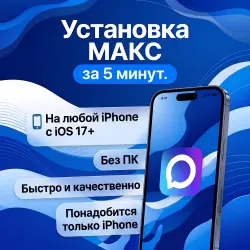
Download Max on iPhone | NO PC | Download Max messenger on iOS (copy)
Important notice
Any third-party trademarks, brand names, and product names referenced on this website are used solely to identify the relevant goods/services and, where applicable, to indicate intended purpose or compatibility. No affiliation, authorization, sponsorship, or endorsement by the trademark owners is implied unless expressly stated.
About the product
Installing the official Max app on your iPhone without a computer. Fast and secure.
How the installation works:
1️⃣ Pay for your order.
2️⃣ Receive our Apple ID details and a short instruction guide.
3️⃣ Sign in to this account strictly in the "Media & Purchases" section (App Store).
4️⃣ Download Max in one click.
5️⃣ Sign out of our account and log back into your own.
Pros:
🌟 No PC required, just your iPhone
🌟 You don't need to sign out of your main iCloud account
🌟 Installation takes only 5 minutes
🌟 Works on any iPhone running iOS 17+
Important:
You must sign in to the provided profile strictly in the App Store. You do not need to enter anything in your main phone settings (iCloud), so your personal data remains completely safe.
EzhShop support is always in touch and ready to help with any questions!
Tags: install max, download max on iphone, max ios, max without pc, install max iphone.
 Top up
 Games
 Discounts 90%
 AI
 Windows
 Subsctiptions
 New Games
 Mobile Games