
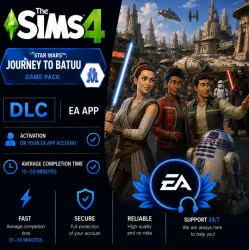
DLC The Sims 4: Star Wars : Journey to Batuu | DLC | EA App
Important notice
Any third-party trademarks, brand names, and product names referenced on this website are used solely to identify the relevant goods/services and, where applicable, to indicate intended purpose or compatibility. No affiliation, authorization, sponsorship, or endorsement by the trademark owners is implied unless expressly stated.
Get The Sims 4: Star Wars™: Journey to Batuu DLC quickly, securely, and hassle-free.
The DLC will be activated on your EA App account.
Once activated, the DLC will remain permanently on your account and will be available in your EA App library.
⏳ Average completion time: 10–30 minutes.
📋 Instructions
🛒 How to receive your DLC
1️⃣ Complete your purchase.
2️⃣ Message the seller after payment.
3️⃣ Provide your EA App account login details.
4️⃣ Wait while the DLC is activated.
5️⃣ You will receive a confirmation message once the activation is complete.
6️⃣ We recommend changing your password after the order has been completed.
⏳ Average completion time: 10–30 minutes.
⚠️ Important
• The DLC is activated on your EA App account.
• Account login is required to complete the order.
• ❌ No refunds are available after the DLC has been successfully activated.
• If the activation has not yet been completed, a refund may be issued with a 10–20% deduction.
• We recommend changing your password after the order has been completed.
 Top up
 Games
Games Discounts 90%
 AI
AI Windows
 Subsctiptions
 New Games
 Mobile Games