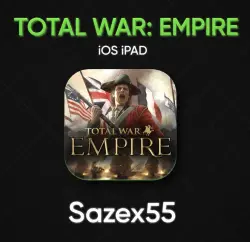
Total War: Empire for iOS/iPad – Lifetime Access iPhone
Important notice
Any third-party trademarks, brand names, and product names referenced on this website are used solely to identify the relevant goods/services and, where applicable, to indicate intended purpose or compatibility. No affiliation, authorization, sponsorship, or endorsement by the trademark owners is implied unless expressly stated.
After payment, you will receive: The account login and password. ✅Instructions: 1. Go to the App Store. 2. Sign out of your current account. 3. Log in using the account details I provided. Upon logging in, a window will appear; tap on "Other Options" and then "! Don't Upgrade." 4. Enter the details manually; if you copy and paste the text, you will not be able to log in. 5. Go to the apps section and, under family members, select "Sign in via App Store only." If you sign in via Settings, you will be blocked INSTANTLY. Do not link a phone number, or you will lose access to the account❗️
 Top up
 Games
Games Discounts 90%
 AI
AI Windows
 Subsctiptions
 New Games
 Mobile Games