
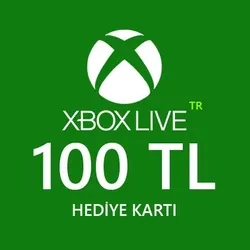
Xbox gift card 100 tl (Türkiye)
52 sales
Important notice
Any third-party trademarks, brand names, and product names referenced on this website are used solely to identify the relevant goods/services and, where applicable, to indicate intended purpose or compatibility. No affiliation, authorization, sponsorship, or endorsement by the trademark owners is implied unless expressly stated.
Xbox Live gift card 100 tl.
🔶Does not require bank cards. .
Activation region (Turkey)
You can redeem your product activation code using your Microsoft account.
Simply go to https://redeem.microsoft.com, sign in and enter the 25-digit code.
When activated, use Turkey region spec.Software.
🛑 Attention, the promo code can only be activated on accounts with the Turkey region, if you have a different account region, change it to the Turkey region.
🛑 When purchasing subscription games and other content, you must use a phone or PC and make purchases in the Turkish store using Turkey spec.Software.
🛑 All codes have been checked for functionality; claims for used codes will not be accepted! .
Any questions? write to us, we are always happy to help you.
Reviews9

2 december 2023
28 november 2023
25 november 2023
25 november 2023
25 november 2023
25 november 2023
25 november 2023
11 november 2023
6 november 2023
 Top up
 Games
Games Discounts 90%
 AI
AI Mobile Games
 Game Pass
 New Games
 Nintendo