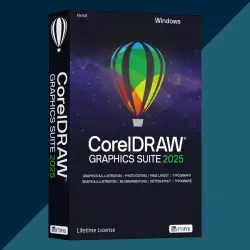
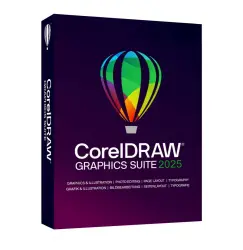
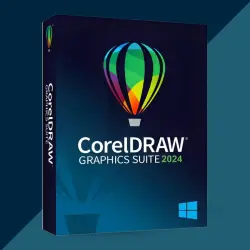
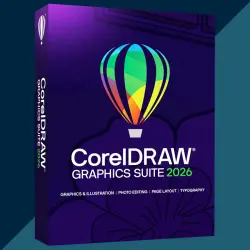
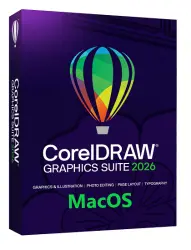
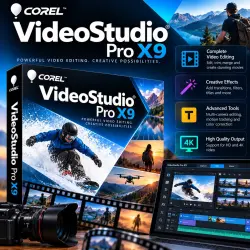
Corel gives you clear tools for drawing, editing, and layout work. You open the software, pick a canvas, and begin without stress. The menu stays simple, brushes respond fast, and even larger images do not freeze. CorelDRAW works for posters, ads, logos, small art, and personal design ideas.
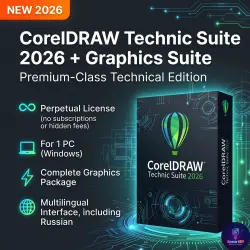
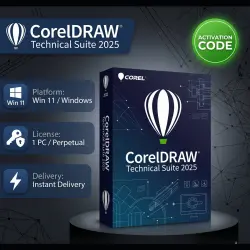
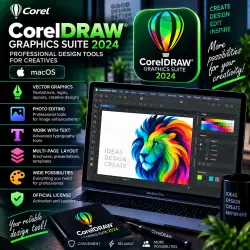
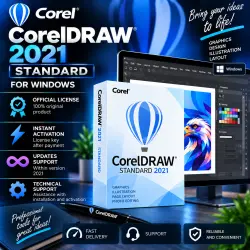
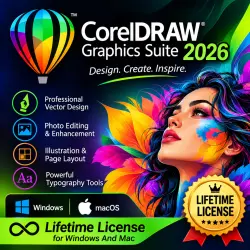
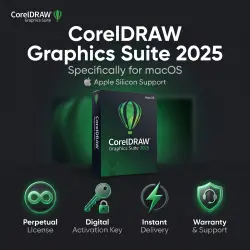
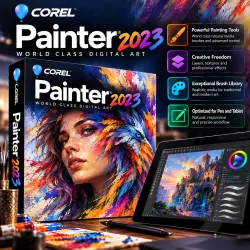
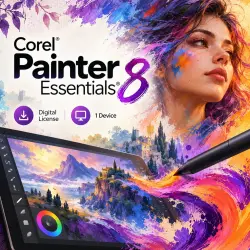
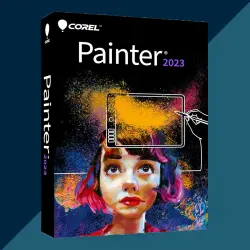
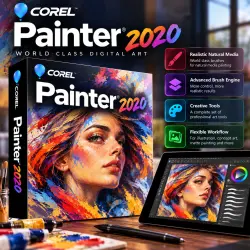
Some users check a Corel subscription to unlock all tools in a single plan. Others compare a CorelDRAW price during discounts to save money. Many buyers want to buy Corel right away and activate every function without limits. Artists also look for a Corel Painter serial key when they want deeper brush settings and texture control for stylistic work.
Some users wait for a CorelDRAW cheapest price during seasonal sales. Others simply buy CorelDRAW because it stays stable for design work and keeps focus on results. The software does not rush you. You build shapes, adjust color, and finish ideas at your own pace.




















 Top up
 Games
 Steam Sales
 AI
 Subscriptions
 Windows
 New Games
 Mobile Games