
habws 4.9(1k)
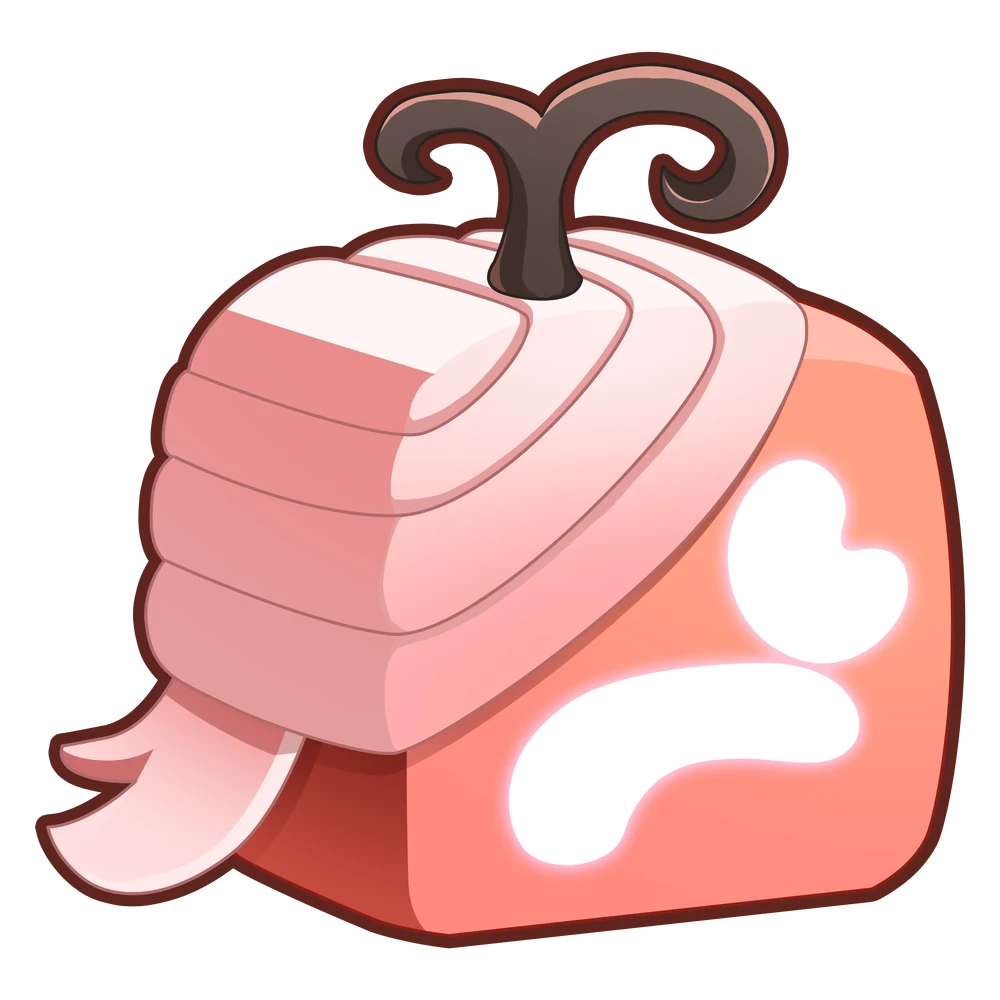
Pain | Blox Fruits4.9(1k)🟠: Have world 2,3, level 700+ 🟠: Have 60% of the fruit’s value ALL TRADE EVENTS ARE HELD EXCLUSIVELY ON WORLD 2 😋😋😋Also, check out the other fruits in my profile
Manual deliveryLegendary
$0.60
 Manual delivery
The item will be delivered to this account
🟠: Have world 2,3, level 700+ 🟠: Have 60% of the fruit’s value ALL TRADE EVENTS ARE HELD EXCLUSIVELY ON WORLD 2 😋😋😋Also, check out the other fruits in my profile
Pain · Blox Fruits
Sellers: 6 · Offers: 6
4.9(1k)🟠: Have world 2,3, level 700+ 🟠: Have 60% of the fruit’s value ALL TRADE EVENTS ARE HELD EXCLUSIVELY ON WORLD 2 😋😋😋Also, check out the other fruits in my profile
4.9(93)Pain, Blox Fruits (Roblox). Physical fruit, not permanent: an inventory item delivered by in-game trade, gone once eaten. One item per order. In-game transfer to your username, usually within an hour. Level 700+ and Second Sea access are required to receive it. Delivered by in-game trade. The game blocks a trade if the dealer prices of the two sides differ by more than 40%, so you must put up fruit of your own from the inventory (up to 4), with a total dealer price of at least 60% of the fruit you buy (e.g. at least 600k for a 1M fruit). The fruit you put up goes to the seller. Fruits cheap on the market but pricey at the dealer work best (Spider, Love, Quake, Pain). If a refund is issued through no fault of ours, a fee of up to 10% is withheld from the refunded amount.
4.9(169)Pain for Blox Fruits (Roblox). ⚠️ TRADING ACCESS REQUIRED: Second Sea (level 700+). Without it the game will not let you receive the item — a restriction that cannot be bypassed. If you do not meet it, do not buy: the order will be cancelled. ✅ WHAT WE NEED FROM YOU • Your Roblox login (username), not your in-game display name. They are easy to confuse, and a display name sends the item to another player. Your login is shown in Roblox profile settings. • Be ready to open Blox Fruits soon, not «later tonight». • Reply in the order chat — often in English. The trade cannot start without your response. • ⚠️ You need your own items to trade. The game only allows a trade if the two sides' values differ by no more than 40%. So you give the seller your own items — worth at least ~60% of the item you are buying (for example, for an item worth 1,000,000 you must give ~600,000 of your own: one such item or several adding up). Keep items you don't mind losing ready — without them the trade cannot start. 🔄 HOW THE HANDOVER GOES 1. Right after payment open the order chat on GGSel — you will be contacted and guided step by step. 2. The seller gives their nickname. Then accept the friend request from the seller or send your own — whichever they ask in the chat, and they join your server. They may ask you to add a second account of theirs — that is part of the handover. 3. Do the trade in game. Once you have the item, reply “received” in the chat and the order closes. ⚠️ IMPORTANT BEFORE YOU PAY • No more than 5 trades a day. A game restriction: if you have already traded five times today, the next trade will not start until the counter resets (11:59 PM UTC+8). Buy when your limit is free. • Make room for the fruit. Your inventory holds one copy of each fruit (more only with the «+1 Fruit Storage» gamepass). With no room the game refuses with «exceeds their fruit limit»: eat, sell or trade away the spare copy and the handover goes through. • Trading happens at a table in the Kingdom of Rose café (Second Sea, the yellow building near the island centre) or in the mansion at Floating Turtle (Third Sea). There is no «trade» button in the menu: you sit at a table, the seller sits opposite, and the trade window opens by itself. If something goes wrong: the order page shows the status and a support button. Keep your order number. If the seller does not show up or the handover fails, you get a refund. ⏱ Timing — usually 30 minutes to an hour, hard limit 3 hours: not handed over by then — full refund. Questions — in the order chat. If a refund is issued through no fault of ours, a fee of up to 10% is withheld from the refunded amount.
4.3(58)⚡ Pain | Blox Fruits for Roblox: how to receive it — steps below. ⚠️ TRADING ACCESS REQUIRED: Second Sea (level 700+). Without it the game will not let you receive the item — a restriction that cannot be bypassed. If you do not meet it, do not buy: the order will be cancelled. ❗ PLEASE READ ▪️ No more than 5 trades a day. A game restriction: if you have already traded five times today, the next trade will not start until the counter resets (11:59 PM UTC+8). Buy when your limit is free. ▪️ Make room for the fruit. Your inventory holds one copy of each fruit (more only with the «+1 Fruit Storage» gamepass). With no room the game refuses with «exceeds their fruit limit»: eat, sell or trade away the spare copy and the handover goes through. ▪️ Trading happens at a table in the Kingdom of Rose café (Second Sea, the yellow building near the island centre) or in the mansion at Floating Turtle (Third Sea). There is no «trade» button in the menu: you sit at a table, the seller sits opposite, and the trade window opens by itself. 🚀 HOW YOU RECEIVE IT 1. Right after payment open the order chat on GGSel — you will be contacted and guided step by step. 2. The seller gives their nickname. Then accept the friend request from the seller or send your own — whichever they ask in the chat, and they join your server. They may ask you to add a second account of theirs — that is part of the handover. 3. Do the trade in game. Once you have the item, reply “received” in the chat and the order closes. 📝 BEFORE YOU BUY, PREPARE ▪️ Your Roblox login (username), not your in-game display name. They are easy to confuse, and a display name sends the item to another player. Your login is shown in Roblox profile settings. ▪️ Be ready to open Blox Fruits soon, not «later tonight». ▪️ Reply in the order chat — often in English. The trade cannot start without your response. ▪️ ⚠️ You need your own items to trade. The game only allows a trade if the two sides' values differ by no more than 40%. So you give the seller your own items — worth at least ~60% of the item you are buying (for example, for an item worth 1,000,000 you must give ~600,000 of your own: one such item or several adding up). Keep items you don't mind losing ready — without them the trade cannot start. If something goes wrong: the order page shows the status and a support button. Keep your order number. If the seller does not show up or the handover fails, you get a refund. ⏳ Timing: usually 15 to 45 minutes, hard limit 3 hours: not handed over by then — full refund. Questions — in the order chat. If a refund is issued through no fault of ours, a fee of up to 10% is withheld from the refunded amount. Thanks for choosing us! A review after purchase helps a lot 🙌
4.9(193)For sale: Pain | Blox Fruits for Roblox on Roblox. ⚠️ TRADING ACCESS REQUIRED: Second Sea (level 700+). Without it the game will not let you receive the item — a restriction that cannot be bypassed. If you do not meet it, do not buy: the order will be cancelled. Terms — No more than 5 trades a day. A game restriction: if you have already traded five times today, the next trade will not start until the counter resets (11:59 PM UTC+8). Buy when your limit is free. — Make room for the fruit. Your inventory holds one copy of each fruit (more only with the «+1 Fruit Storage» gamepass). With no room the game refuses with «exceeds their fruit limit»: eat, sell or trade away the spare copy and the handover goes through. — Trading happens at a table in the Kingdom of Rose café (Second Sea, the yellow building near the island centre) or in the mansion at Floating Turtle (Third Sea). There is no «trade» button in the menu: you sit at a table, the seller sits opposite, and the trade window opens by itself. Buyer requirements — Your Roblox login (username), not your in-game display name. They are easy to confuse, and a display name sends the item to another player. Your login is shown in Roblox profile settings. — Be ready to open Blox Fruits soon, not «later tonight». — Reply in the order chat — often in English. The trade cannot start without your response. — ⚠️ You need your own items to trade. The game only allows a trade if the two sides' values differ by no more than 40%. So you give the seller your own items — worth at least ~60% of the item you are buying (for example, for an item worth 1,000,000 you must give ~600,000 of your own: one such item or several adding up). Keep items you don't mind losing ready — without them the trade cannot start. If something goes wrong: the order page shows the status and a support button. Keep your order number. If the seller does not show up or the handover fails, you get a refund. Delivery time: usually 15 to 45 minutes, hard limit 3 hours: not handed over by then — full refund. Questions — in the order chat. If a refund is issued through no fault of ours, a fee of up to 10% is withheld from the refunded amount. Delivery procedure 1. Right after payment open the order chat on GGSel — you will be contacted and guided step by step. 2. The seller gives their nickname. Then accept the friend request from the seller or send your own — whichever they ask in the chat, and they join your server. They may ask you to add a second account of theirs — that is part of the handover. 3. Do the trade in game. Once you have the item, reply “received” in the chat and the order closes. Thank you for buying at BEBR.
4.7(95)Pain | Blox Fruits for Roblox — honest and step by step. ⚠️ TRADING ACCESS REQUIRED: Second Sea (level 700+). Without it the game will not let you receive the item — a restriction that cannot be bypassed. If you do not meet it, do not buy: the order will be cancelled. ✦ important › No more than 5 trades a day. A game restriction: if you have already traded five times today, the next trade will not start until the counter resets (11:59 PM UTC+8). Buy when your limit is free. › Make room for the fruit. Your inventory holds one copy of each fruit (more only with the «+1 Fruit Storage» gamepass). With no room the game refuses with «exceeds their fruit limit»: eat, sell or trade away the spare copy and the handover goes through. › Trading happens at a table in the Kingdom of Rose café (Second Sea, the yellow building near the island centre) or in the mansion at Floating Turtle (Third Sea). There is no «trade» button in the menu: you sit at a table, the seller sits opposite, and the trade window opens by itself. ✦ how it goes 1. Right after payment open the order chat on GGSel — you will be contacted and guided step by step. 2. The seller gives their nickname. Then accept the friend request from the seller or send your own — whichever they ask in the chat, and they join your server. They may ask you to add a second account of theirs — that is part of the handover. 3. Do the trade in game. Once you have the item, reply “received” in the chat and the order closes. ✦ what you'll need › Your Roblox login (username), not your in-game display name. They are easy to confuse, and a display name sends the item to another player. Your login is shown in Roblox profile settings. › Be ready to open Blox Fruits soon, not «later tonight». › Reply in the order chat — often in English. The trade cannot start without your response. › ⚠️ You need your own items to trade. The game only allows a trade if the two sides' values differ by no more than 40%. So you give the seller your own items — worth at least ~60% of the item you are buying (for example, for an item worth 1,000,000 you must give ~600,000 of your own: one such item or several adding up). Keep items you don't mind losing ready — without them the trade cannot start. If something goes wrong: the order page shows the status and a support button. Keep your order number. If the seller does not show up or the handover fails, you get a refund. ⌛ Expect usually 15 to 45 minutes, hard limit 3 hours: not handed over by then — full refund. Questions — in the order chat. If a refund is issued through no fault of ours, a fee of up to 10% is withheld from the refunded amount. ✦ Thanks for visiting Kamorka.